
KING777 Login Overview

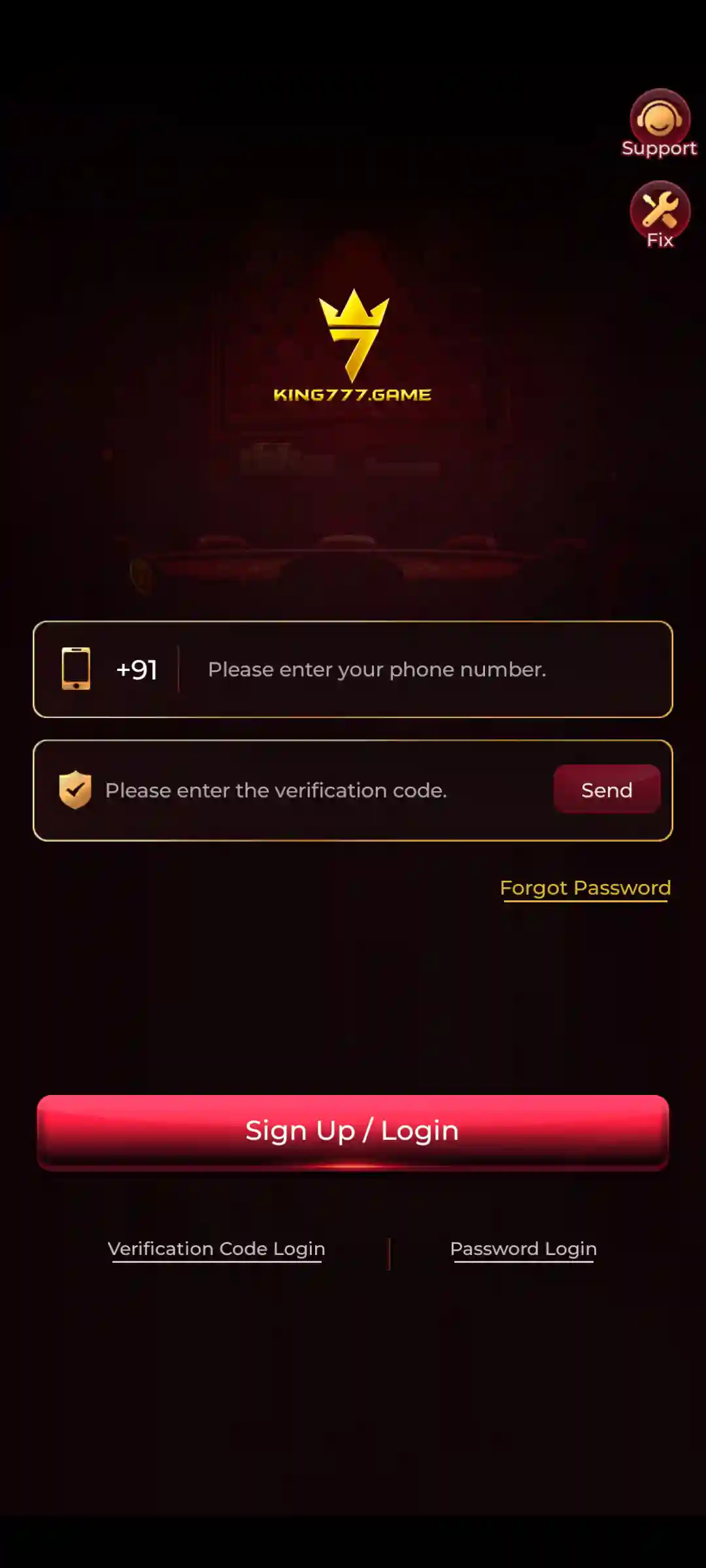
KING777 Login allows users to access their KING777 Game accounts through the installed Android application. The login interface provides two account-access methods: Verification Code Login and Password Login.
This page is an informational guide, not an online login form. Open the installed KING777 App to enter your mobile number, SMS verification code or saved password.
Both login methods use the mobile-number field with the +91 country prefix.
There are two ways to sign in:
- Verification Code Login: Enter your registered mobile number, request an SMS verification code and complete the login process.
- Password Login: Enter your registered mobile number and the password previously configured for your account.
The screen uses a shared Sign Up / Login button. Its action depends on the selected method and the account’s registration status.
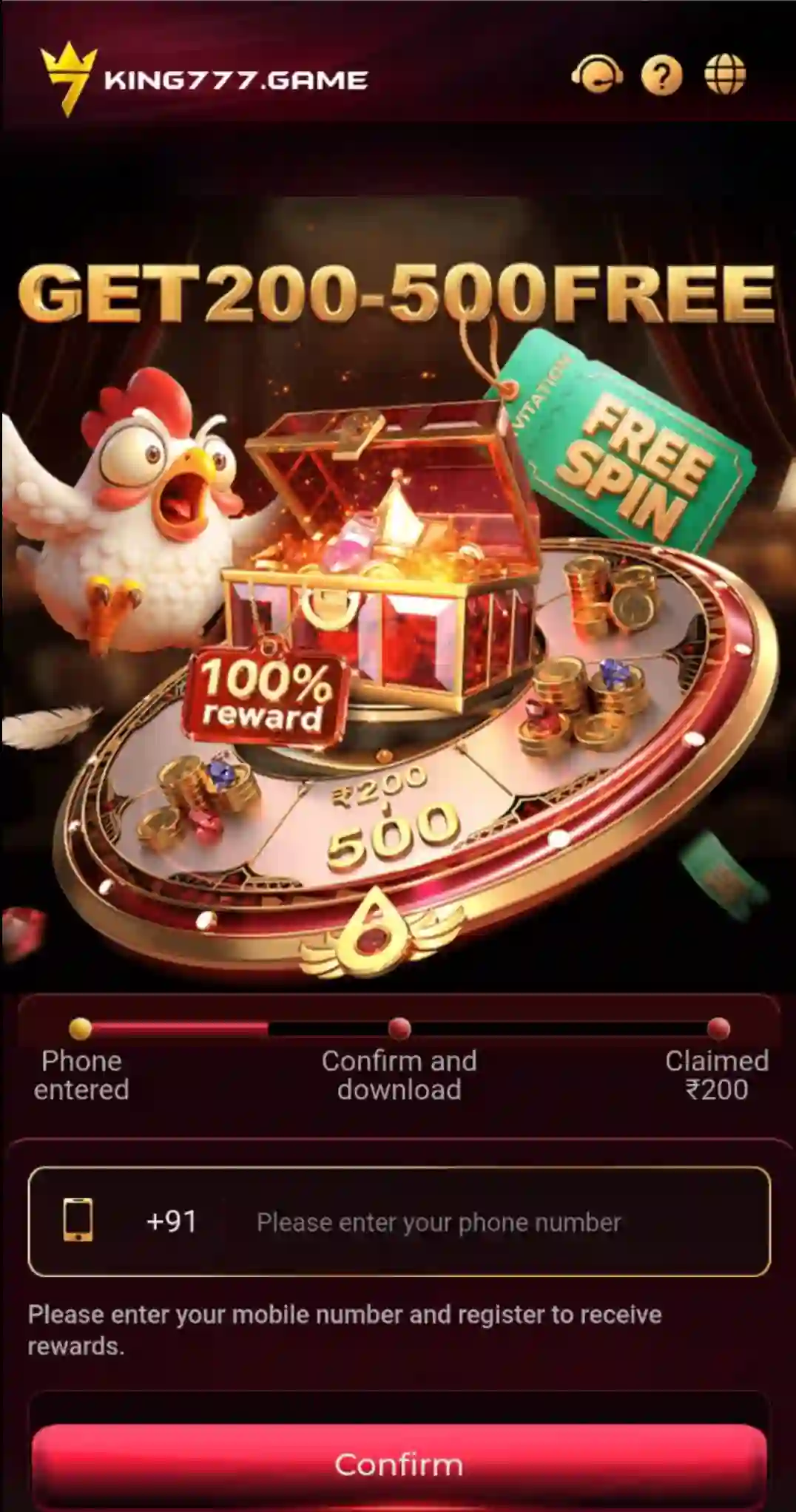
New users can begin with mobile verification. Returning users with an existing password can select Password Login.
The login interface also provides Forgot Password, Support and Fix options for recovery and assistance.
This KING777 Login guide explains the account-access process, password configuration, forgotten-password recovery, OTP problems and solutions to common sign-in errors.
What Is KING777 Game?
KING777 Game is an Android-focused multi-game application that combines different game categories with account-management features.
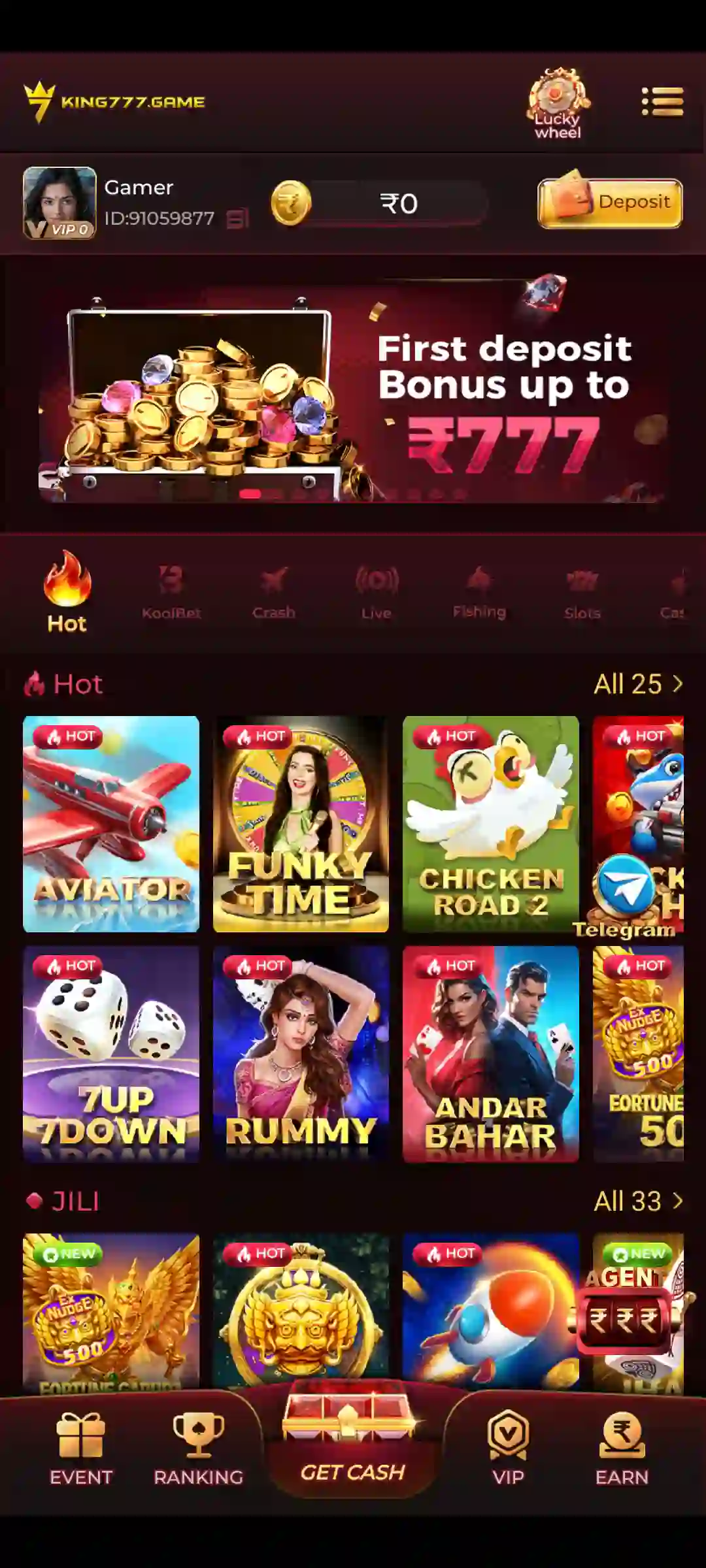
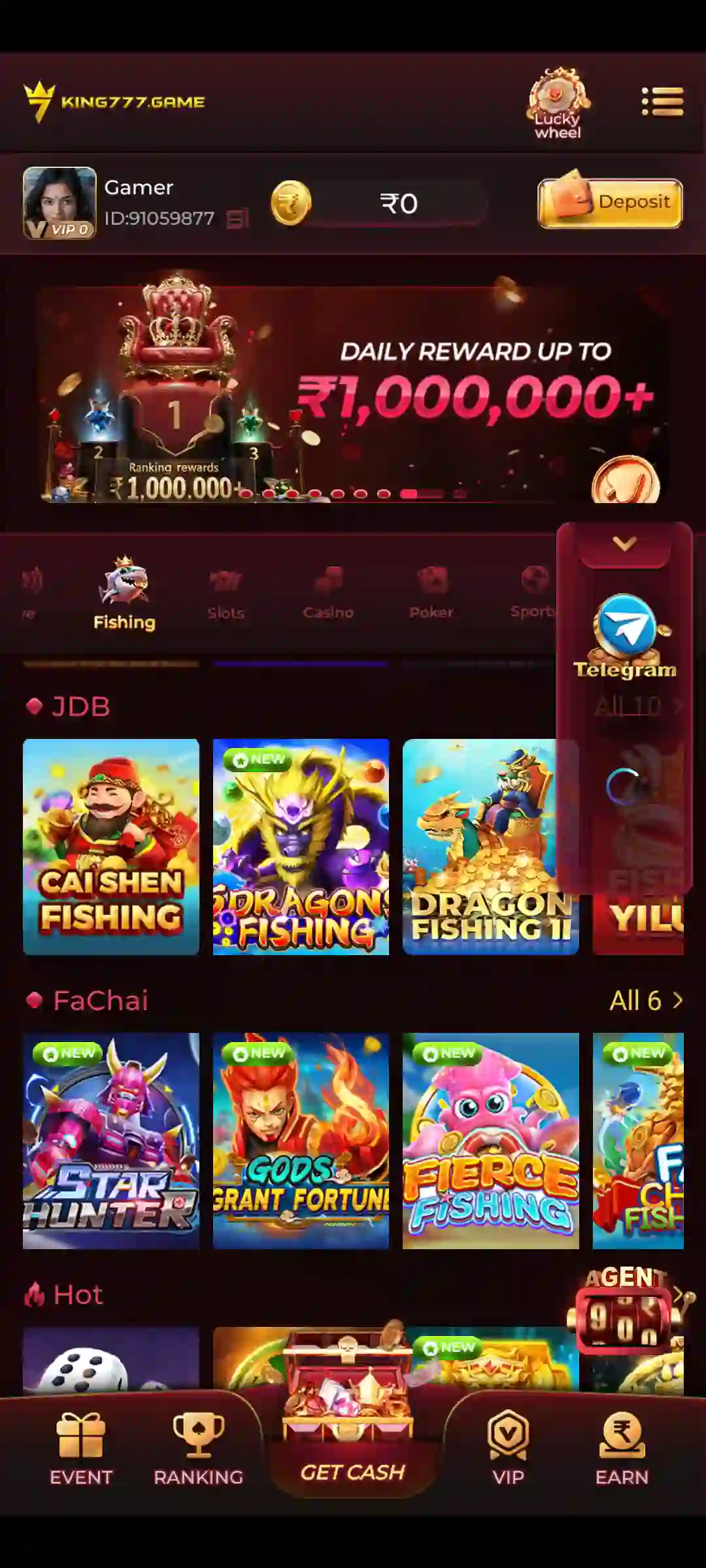
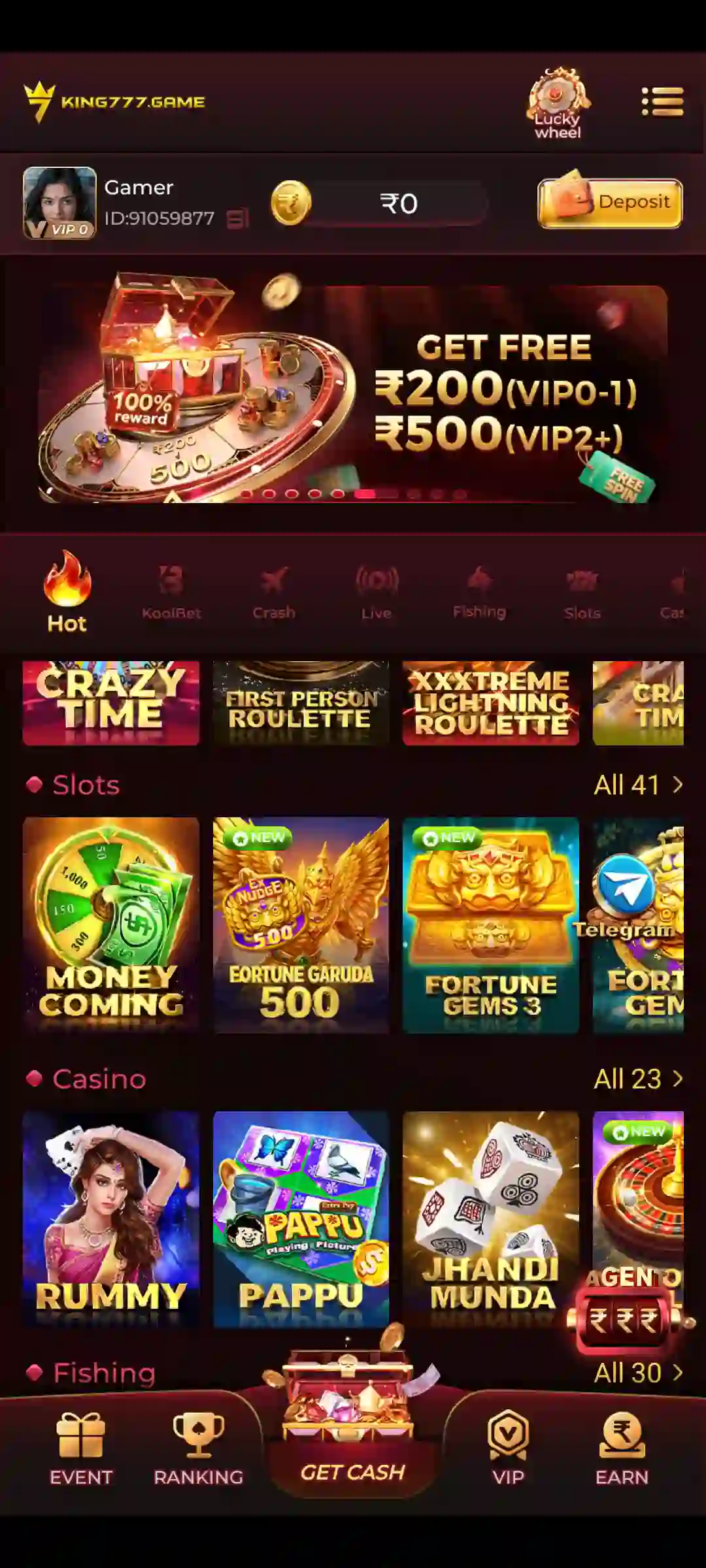
The game collection includes Crash, JILI, Slots, Fishing, Card and Casino formats. Available titles include Aviator, Mines, Plinko, Super Ace, Fortune Gems, Rummy, Teen Patti and other games.
After signing in, users can access My Profile and its available features, including Account & Security, Balance Records, Notifications, Live Support, Gifts, Settings and Ticket.
The application also provides navigation shortcuts such as Ranking, Get Cash, VIP and Earn.
Game availability and account features may vary. Users should review the rules and current conditions displayed within the application.
For more information about navigation and account features, read the KING777 App Guide.
KING777 Login Information
The KING777 Android login interface includes the following features:
| Login Feature | Details |
|---|---|
| Application | KING777 Game |
| Platform | Android |
| Login Methods | Verification Code / Password |
| Mobile Prefix | +91 |
| Verification Button | Send |
| Login Button | Sign Up / Login |
| Password Length | 8–32 characters |
| Password Recovery | Forgot Password |
| Password Settings | My Profile → Account & Security → Login Password |
| Account Assistance | Support |
| Additional Shortcut | Fix |
Use the same registered mobile number when signing in, setting a password or recovering account access.
A verification code confirms access to the mobile number, while Password Login uses credentials already saved for the account.
How to Complete KING777 Login on Android
Before signing in, the KING777 application must be installed on the Android device.
If installation is not complete, follow the KING777 Download Guide before attempting to access your account.
Step-by-Step KING777 Login Process
- Open the installed KING777 Game App.
- Wait for the login screen to appear.
- Select Verification Code Login or Password Login.
- Enter the mobile number associated with your account using the displayed +91 prefix.
- Enter the verification code or password required by the selected login method.
- Review the information before submitting.
- Tap the red Sign Up / Login button.
- Wait for the application to process the request.
- If the information is accepted, continue to your account and game lobby.
The next screen depends on the account’s status and selected login method.
Which Login Method Should You Choose?
Choose Verification Code Login when you need to access the account through SMS verification or have not yet configured a password.
Choose Password Login when a login password is already saved for your registered number.
If your password is unknown, select Forgot Password rather than repeatedly attempting different passwords.
Why Does the Button Say Sign Up / Login?
KING777 uses the shared Sign Up / Login button for account-entry actions.
Existing users can sign in through this interface, while new users may encounter the same button during registration.
The application determines the next step according to the submitted mobile number and account status.
For first-time account creation, see the KING777 Register Guide.
KING777 Verification Code Login – Mobile OTP Steps
KING777 Verification Code Login allows account access through a registered mobile number and an SMS verification code.
The verification screen contains a mobile-number field with the +91 prefix, a code field and the Send button.
How to Login with an SMS Verification Code
- Open KING777 Game.
- Select Verification Code Login.
- Enter the registered mobile number in the +91 field.
- Check the number carefully.
- Tap Send to request a verification code.
- Check the SMS received on your phone.
- Enter the code in the verification field.
- Tap Sign Up / Login.
- Wait for the application to confirm the result.
Use the code issued for the current request.
Important OTP Checks
Before submitting a verification code:
- Confirm that the mobile number belongs to the intended account.
- Enter the code exactly as received.
- Avoid using an older code after requesting a replacement.
- Wait for the current verification request before sending another.
- Never disclose a verification code to another person.
- Avoid entering the code on unfamiliar websites.
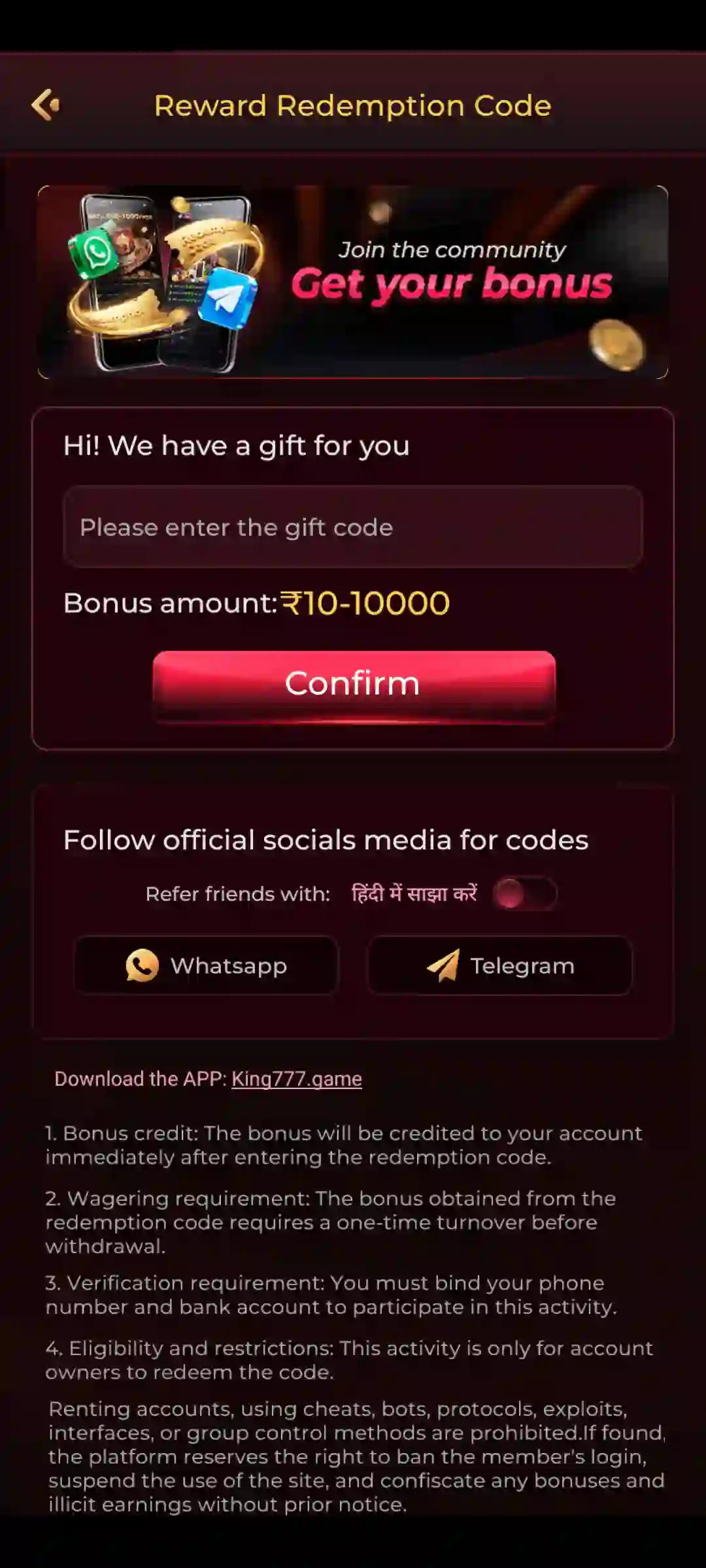
An account-login OTP is different from a promotional redemption or gift code.
What Happens After OTP Verification?
If the mobile number and verification code are accepted, the application continues according to the account’s current status.
Existing users may enter their account, while first-time users may need to complete initial account setup.
After successful access, a password can be configured from Account & Security.
KING777 Password Login – Sign In with a Password
KING777 Password Login is available to users who have already configured a login password.
The Password Login tab contains the registered mobile-number field, password field and a password-visibility control.
Password Login Steps
- Open the KING777 App.
- Select Password Login.
- Enter the registered mobile number under the +91 prefix.
- Enter the password previously saved for the account.
- Review the entered credentials.
- Use the password-visibility control if needed in a private setting.
- Tap Sign Up / Login.
- Follow any additional verification requested by the application.
The saved password must match the account credentials.
What If You Have Never Set a Password?
Sign in through Verification Code Login first.
After accessing your account, open My Profile → Account & Security → Login Password to complete password setup.
Password Login Not Working
Check whether the correct mobile number was entered and whether the password matches the saved credentials.
If you cannot remember the password, use the Forgot Password process explained below.
Avoid repeated unsuccessful attempts that may result in additional verification or a temporary restriction.
How to Set KING777 Login Password
KING777 allows users to configure a login password through the Account & Security section after accessing their account.
Open:
My Profile → Account & Security → Login Password
Step-by-Step Password Setup
- Sign in to KING777 using Verification Code Login.
- Open My Profile.
- Select Account & Security.
- Tap Login Password.
- Enter the registered mobile number in the +91 field.
- Tap Send to request an SMS verification code.
- Enter the received code.
- Create a password containing 8–32 characters.
- Enter the same password in the confirmation field.
- Tap Complete.
- Review the confirmation displayed by the application.
Both password entries must match.
KING777 Password Requirements
The password-setup screen specifies a permitted length of 8–32 characters.
Choose a unique password that is difficult for another person to guess.
Follow any additional password rules displayed in the current version of the app.
After Setting a Password
Once the application confirms successful setup, you can use Password Login for future account access.
Keep the password private and avoid saving it on shared devices.
KING777 Forgot Password – Reset Guide
The Forgot Password option provides a verification-based method for resetting a forgotten login password.
The recovery process opens the Set Login Password form.
How to Reset KING777 Login Password
- Open KING777 Game.
- Select Password Login.
- Tap Forgot Password.
- Wait for the Set Login Password screen.
- Enter the registered mobile number.
- Tap Send.
- Check the received SMS verification code.
- Enter the code.
- Create a new password containing 8–32 characters.
- Re-enter the password for confirmation.
- Tap Complete.
- Review the confirmation message.
- Return to Password Login.
- Use the registered number and updated password.
This recovery method requires verification of the registered mobile number.
Forgot Password but Cannot Receive OTP
Check mobile coverage, SMS reception and the entered number.
If the registered mobile number is no longer accessible, use the account-assistance option displayed in the application.
Do not disclose your OTP or password to third parties offering unofficial recovery services.
Password Reset Completed but Login Still Fails
Confirm that the application reported a successful reset.
Use the Password Login tab and enter the new password with the same registered number.
If the problem continues, consult in-app Support.
KING777 Login Screen Features
The KING777 account-entry screen contains separate login methods and additional help options.
Verification Code Login
Provides a mobile-number field, verification-code input and Send button.
Password Login
Provides a mobile-number field, password input and visibility control.
Sign Up / Login
This is the main submission button for the selected account-access method.
Forgot Password
Opens the verification-based password recovery process.
Support
The Support shortcut is displayed near the upper-right area of the login screen and provides access to account assistance.
Fix
Fix is a separate shortcut visible beside Support.
Its available actions depend on the options displayed when the shortcut opens.
Account & Security
After login, Account & Security provides access to the bound mobile-number information and Login Password settings.
KING777 OTP Not Received – Verification Code Solutions
An SMS verification code may fail to arrive because of an incorrect mobile number, network conditions, filtering or a delayed request.
Follow these checks before requesting another code.
Check the Registered Mobile Number
Make sure the correct mobile number is entered in the +91 field.
The verification code must be requested for the intended account number.
Check SMS Reception
Confirm that the phone has cellular coverage and can receive text messages.
Internet connectivity and SMS reception are separate services.
Wait for the Current Code
Allow time for the current verification message to arrive.
Repeatedly pressing Send may create confusion between different verification requests.
Check Spam or Blocked Messages
Review filtered-message folders if supported by the device’s messaging application.
Request Another Code When Allowed
Use the Send option again when the app permits a new request.
Enter the code associated with that latest request.
Contact KING777 Support
If the OTP still does not arrive or is repeatedly rejected, use the Support option available in the app.
Explain the selected login method and exact problem.
Never share an OTP, login password or payment PIN.
KING777 Login Problems and Fixes
If KING777 Login fails, first identify whether the problem involves SMS verification, password entry, connectivity or application performance.
Sign Up / Login Button Not Responding
Check that the required mobile-number and code or password fields are complete.
Confirm that the phone has a working internet connection.
Wait for the current request to finish instead of rapidly tapping the button.
Verification Code Rejected
Verify that every digit is correct.
Use the code issued for the current mobile number and verification request.
Request another code when permitted.
Password Login Failed
Confirm the registered mobile number and saved password.
Use Forgot Password if the credentials are no longer known.
Password Cannot Be Saved
Check that the password contains 8–32 characters, both entries match and SMS verification was completed.
Follow any other requirements displayed by the application.
App Freezes During Login
Check the internet connection and available device storage.
Close and reopen the application.
Restart the phone if necessary.
Avoid clearing application data until account recovery options have been reviewed.
Account Access Restricted
Read the message shown by KING777.
Follow the displayed instructions and consult Support when necessary.
Do not provide account control to unofficial recovery services.
KING777 Login Error Messages and Troubleshooting
Different Android login errors require different checks.
The following examples describe general login situations. Their exact wording may differ from messages displayed by KING777.
| Login Issue | What to Check | Suggested Action |
|---|---|---|
| Invalid or expired verification code | Code and registered number | Use the latest valid code |
| Temporary delay or too many attempts | On-screen retry instructions | Stop repeated submissions |
| App returns to login screen | Session or connectivity problem | Check network and reopen app |
| Login button does not respond | Required fields | Complete the selected login form |
| Password reset fails | Mobile verification and confirmation | Follow the supported recovery process |
| Blank screen during login | App loading, network and storage | Restart the app and review errors |
Verification Code Invalid or Expired
Confirm that the entered code belongs to the latest request and correct registered mobile number.
Too Many Login Attempts
Follow any waiting or verification instructions shown by the application.
Do not continue submitting the same incorrect credentials.
Returns to Login Screen
Check whether the app displays a session or connectivity error.
Restart the application once and retry using the correct credentials.
Blank Screen or Loading Failure
Review the internet connection, device storage and any available application error.
If the issue continues, note the exact stage at which the screen stops responding.
For installation-related problems rather than account-access issues, refer to the KING777 APK Guide.
How to Recover KING777 Account Access
Account recovery depends on access to the registered mobile number and the available recovery methods shown inside KING777.
If Your Registered SIM Still Works
Open Password Login and select Forgot Password.
Request an SMS verification code and follow the Set Login Password process.
After successful verification, create and confirm a new password.
If Your Registered Mobile Number Is No Longer Accessible
Do not assume that using a different mobile number will restore the existing account.
Open Support and ask which recovery process is available.
Avoid unofficial account-recovery websites or individuals requesting credentials.
If Verification Codes Never Arrive
Check SMS reception and filtering.
Then contact Support and explain whether the code is missing or rejected.
Never disclose the code itself.
If Account Access Is Restricted
Record the exact error message and follow the application’s instructions.
Contact Support if the problem remains unresolved.
Information to Provide to Support
When reporting a login problem, provide useful non-sensitive information such as:
- Login method selected
- Type of problem
- Exact error message
- Approximate time of the attempt
- Device model or Android version, if requested
Never provide login passwords, verification codes, payment PINs or complete banking credentials.
After Recovering Your Account
Open My Profile → Account & Security and review the registered mobile number and available login settings.
KING777 Login Security Tips
KING777 accounts may contain personal details, balance information and transaction records.
Protect your credentials and use the application’s supported recovery options.
Keep Verification Codes Private
Never share SMS verification codes with another person.
An OTP should only be used to complete the account-access process you initiated.
Create a Unique Password
Choose a password within the permitted 8–32 character range.
Avoid reusing passwords from other websites.
Avoid Unofficial Login Forms
Do not enter account information into unfamiliar websites, unsolicited messages or unrelated bonus forms.
This guide does not collect KING777 login credentials.
Avoid Modified Applications
Unofficial modified APKs may expose devices and account information to security risks.
Do not trust claims of bypassed verification or guaranteed game outcomes.
Logout on Shared Devices
If you access KING777 on a shared device, open My Profile and use Logout when finished.
Do not save your login password on a borrowed phone.
For general account protection advice, see Google’s account security guidance.
Real-money games may involve financial loss. Review applicable age restrictions, local laws and relevant game conditions before participation.
KING777 Login Frequently Asked Questions
How do I login to KING777 Game?
Open the installed KING777 App, choose Verification Code Login or Password Login, enter the required information and tap Sign Up / Login.
Does KING777 support SMS OTP Login?
Yes. Verification Code Login uses a mobile number and SMS code requested through the Send button.
Can I use a password for KING777 Login?
Yes, after configuring a login password through Account & Security.
How do I receive a KING777 verification code?
Enter the registered mobile number in the +91 field and tap Send on the Verification Code Login screen.
Where can I set my KING777 login password?
Open My Profile → Account & Security → Login Password after accessing the account.
How many characters can a KING777 password contain?
The password-setup form specifies 8–32 characters.
How do I reset my forgotten KING777 password?
Use Password Login → Forgot Password, verify the registered mobile number and create a new password through the Set Login Password form.
Why does KING777 use Sign Up / Login on the same button?
The interface uses one submission button for account-entry and registration-related actions.
Why am I not receiving a KING777 OTP?
Check the mobile number, SMS reception, filtered messages and whether another verification request is still pending.
Why is my KING777 login password not accepted?
Check the registered number and entered password. Use Forgot Password if you cannot remember the saved credentials.
Do I need to install KING777 before logging in?
Yes, for the Android application login process described in this guide.
Where can I find Support on the login screen?
Support appears near the upper-right area of the KING777 login interface.
What does the Fix option do?
Fix is an additional shortcut beside Support. Follow the actions shown by the application when it opens.
Is KING777 Login different from registration?
Yes. Login accesses an existing account, while registration establishes a new account. Both may use the shared Sign Up / Login interface.
Can I change my KING777 login password?
The Account & Security section provides the Login Password setting and verification-based password configuration.
What should I do if KING777 Login keeps failing?
Check the selected login method, registered mobile number, credentials and connectivity. Read the error message and use Support if the issue continues.